
Download RSSdose – Personalized RSS News Feeder for Windows, macOS, Android & iOS
Overview
RSSdose is a subscription‑based RSS news feeder designed for both computers and smartphones. Unlike many free RSS readers that bombard you with pop‑up advertisements or limit the number of feeds you can follow, RSSdose offers an unlimited, ad‑free experience that keeps you informed with real‑time alerts. The software’s core strength lies in its deep personalization: you can fine‑tune the interface to surface only the stories that matter to you, whether you’re tracking technology trends, financial markets, or niche hobby news.
Because the service runs on a secure, cloud‑synced backend, updates are pushed automatically, ensuring that your feed definitions and preferences are always up‑to‑date across every device. Whether you are a power user who monitors dozens of niche blogs or a casual reader who wants a clean daily digest, RSSdose adapts to your workflow without sacrificing speed or reliability. The subscription model eliminates the need for intrusive ads while providing a steady revenue stream that funds continuous improvements, new integrations, and priority support.
In short, RSSdose is the modern, secure, and scalable solution for anyone who wants a personalized news stream without the clutter of traditional free apps.
Key Features that Set RSSdose Apart
- Unlimited Feed Subscription: Add as many RSS sources as you like—there’s no cap on the number of feeds you can monitor.
- Advanced Filtering Engine: Use keywords, regular expressions, and category tags to display only the most relevant articles.
- Real‑Time Push Alerts: Receive instant notifications on Windows, macOS, Android, and iOS when a story matches your criteria.
- Ad‑Free Experience: The subscription removes all advertisements, giving you a clean reading environment.
- Cross‑Platform Sync: Your preferences, read/unread status, and custom filters sync automatically across all devices.
- Secure Cloud Backend: All data is encrypted in transit and at rest, complying with GDPR and other privacy standards.
- Customizable Dashboard: Drag‑and‑drop widgets let you arrange feed columns, preview panes, and analytics charts the way you like.
- Offline Reading Mode: Articles are cached locally so you can read them later without an internet connection.
- Scheduled Summaries: Choose daily, weekly, or monthly email digests that compile top stories from your selected feeds.
- Developer API Access: For power users, an API allows you to integrate RSSdose data into your own tools or scripts.
Each of these features is built with the user’s productivity in mind. For instance, the advanced filtering engine lets you set up complex rule sets—like “show only articles that contain the word ‘AI’ but exclude any that mention ‘marketing’”—so you never waste time scrolling through irrelevant content. The real‑time push alerts are delivered via native notification systems on Windows, macOS, Android, and iOS, guaranteeing that breaking news reaches you instantly, no matter which device you’re using at the moment. Because the service runs on a secure cloud infrastructure, you can trust that your subscription data stays private and that the software receives regular security patches without any manual effort on your part. All these capabilities combine to make RSSdose a powerful, yet user‑friendly, tool for modern news consumption.
Installation, Usage & Compatibility
Getting started with RSSdose is straightforward and takes only a few minutes. First, visit the official website and click the “Download” button for your operating system. The installer is available for Windows 10/11 (64‑bit), macOS 10.15+ (Catalina and later), Android 8.0+ and iOS 13+.
After the download completes, run the installer and follow the on‑screen prompts: accept the license agreement, choose an installation folder (or use the default), and let the wizard finish. Once installed, launch RSSdose and sign in with the email address you used for the subscription. If you’re a new user, the sign‑up flow guides you through selecting a plan, entering payment details, and setting up your first set of feeds.
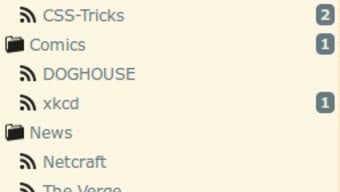
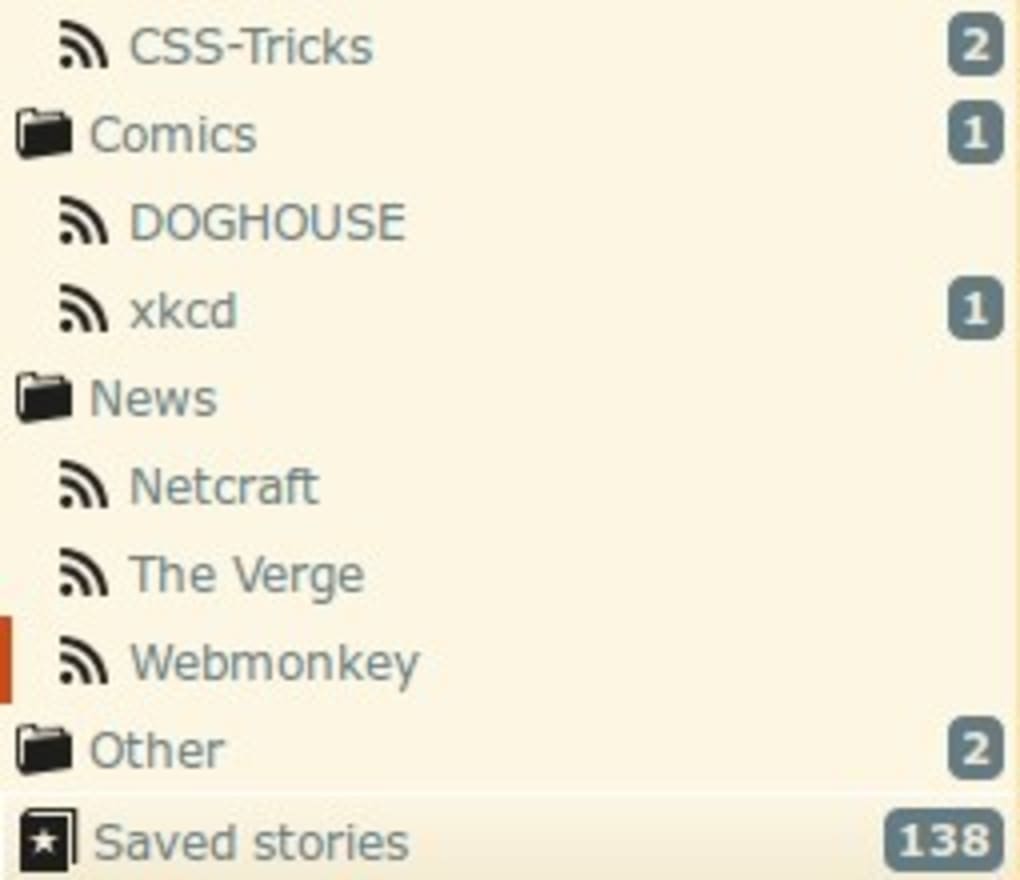
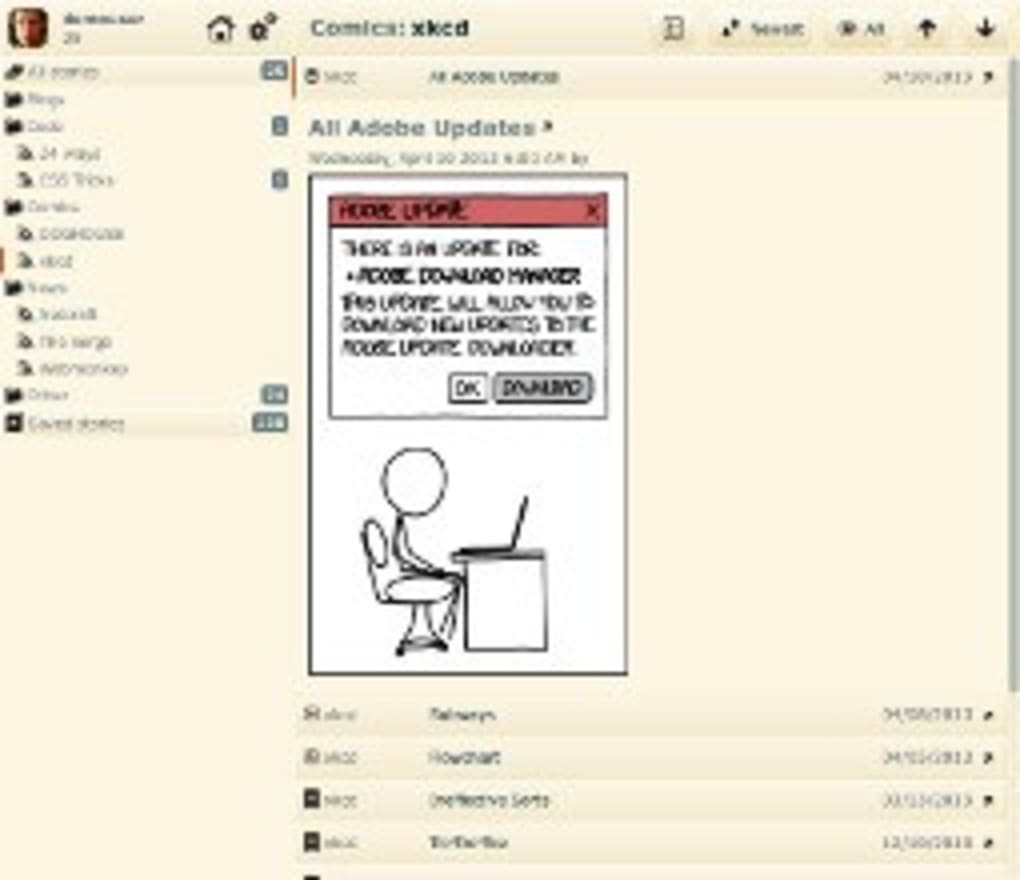
The user interface is divided into three main panels: the left navigation pane (for feed categories), the central list view (showing article headlines), and the right preview pane (rendering the full article). To add a new RSS feed, click the “+ Add Feed” button, paste the feed URL, and assign it to a custom folder or tag. The built‑in filter editor then lets you define rules that automatically tag or hide articles based on your preferences. For example, you might create a filter that marks any article containing “crypto” as “High Priority” and pushes it to the top of the list.
Supported Platforms:
- Windows 10/11 (64‑bit)
- macOS Catalina (10.15) and later
- Android 8.0 (Oreo) and later
- iOS 13 and later
RSSdose also offers a web‑based dashboard for users who prefer a browser interface or need quick access from a public computer. All settings, including your filter rules and notification preferences, are synced across the desktop, mobile, and web versions via your subscription account. The app checks for updates automatically; you’ll receive a subtle notification when a new version is ready, and you can apply the update with a single click. This seamless update process ensures that you always have the latest security patches and feature enhancements without the hassle of manual downloads.
Pros, Cons, FAQ & Final Verdict
Pros
- Unlimited feed subscription with no hidden caps.
- Powerful filtering and tagging system for precise content curation.
- Ad‑free experience thanks to the subscription model.
- Cross‑platform sync keeps your preferences consistent everywhere.
- Secure cloud storage and GDPR‑compliant data handling.
- Native push notifications on Windows, macOS, Android, and iOS.
- Offline reading and scheduled email digests for flexible consumption.
- Developer API for custom integrations.
Cons
- Requires a paid subscription—no free tier available.
- Initial setup may be overwhelming for users new to RSS.
- Advanced filter syntax (regular expressions) has a learning curve.
Frequently Asked Questions
Can I try RSSdose before committing to a subscription?
Yes, RSSdose offers a 14‑day free trial that gives you full access to all features, including unlimited feeds and push notifications. No credit card is required to start the trial.
Is my data encrypted?
All data transmitted between your device and RSSdose’s servers is encrypted using TLS 1.3, and data at rest is stored with AES‑256 encryption. The service complies with GDPR and other major privacy regulations.
Can I import existing RSS feeds from another reader?
Yes, RSSdose supports OPML import, allowing you to migrate your feed list from popular readers like Feedly, Inoreader, or Thunderbird with a single click.
How does the push notification system work on mobile devices?
RSSdose uses the native notification services on Android (Firebase Cloud Messaging) and iOS (Apple Push Notification Service). You can customize the alert sound, vibration pattern, and even set “Do Not Disturb” windows for each feed.
What happens if I cancel my subscription?
Your account will retain read/unread status and saved filters for 30 days after cancellation, after which the data is anonymized. You can reactivate at any time without losing your configuration.
Final Verdict – Should You Download RSSdose?
If you value a clean, ad‑free environment and need the ability to monitor a large number of RSS feeds without compromise, RSSdose delivers exactly what modern news consumers expect. Its robust filtering engine, seamless cross‑platform sync, and secure cloud backend set it apart from free alternatives that often sacrifice privacy or limit functionality. While the subscription cost may deter casual readers, the productivity gains for power users—especially professionals who rely on timely information—justify the expense. The 14‑day trial lets you explore all capabilities risk‑free, making it easy to decide whether the tool fits your workflow. In short, for anyone serious about staying ahead of the news curve without the noise of ads or the hassle of manual updates, RSSdose is a compelling, secure, and feature‑rich choice.
Overall Rating: 4.5/5



.png)



